
Tetra eOffice
A unified digital workplace: documents, workflows, HR, digital signing and every app your organization uses, brought into one place — running on your own infrastructure.
For you whenWhen you need one place for documents, workflows and approvals.
One platform, the whole office
One app per department, one Excel file per process, one email per approval. Tetra eOffice brings it all into one place: one sign-in, one flow of work, one source of data — so people work together instead of jumping between disconnected systems.
Every office function, built into the platform
Use each part on its own or combine them all — they share the same permissions, workflows and data.
Administrative documents
Inbound/outbound documents per Decree 30/2020, auto-numbering, interoperability.
Document management
Central storage, automatic OCR and natural-language search.
Workflows (BPM)
Drag-and-drop process design, flexible approvals, progress tracking.
HR management (HRMS)
Attendance, leave, payroll, social insurance — compliant with Vietnamese law.
Digital signing
Vietnam-standard digital signatures (VNPT, Viettel, MobiFone, FPT CA), internal signing.
Tendering & procurement
Procurement workflows, bid documents, evaluation and approval.
Tasks & collaboration
Assign work, reminders and centralized notifications across the organization.
AI assistant
Ask questions over your documents, scoped to each user's permissions.
Connect every app — today and tomorrow
eOffice doesn't replace what already works — it connects it. Open APIs (REST, OpenAPI, Webhooks) plug in ERP, CRM and data systems. Already on Microsoft 365? eOffice reuses the sign-in (Entra ID) and storage (SharePoint) you already have. Each new app is just another tile in the same digital office.
Open API
REST, OpenAPI and Webhooks — every feature is integrable.
Leverage Microsoft 365
Reuse Entra ID sign-in and SharePoint storage if your organization has them.
Connect existing systems
ERP, CRM and data platforms (Power BI, Snowflake, Kafka...).
Sovereign on your own infrastructure
eOffice runs on your own infrastructure — your business data stays inside the organization. Already on Microsoft 365? Reuse it (Entra ID sign-in, SharePoint storage). Not on M365? Run independently with an open-source stack (Authentik, MinIO). You choose where your data lives — no vendor lock-in.
- Deploy on-premise or in the cloud
- Vietnam compliance out of the box (Decree 30, Labor Code 2019, social insurance)
- Data sovereignty — your data is yours
Want to see Tetra eOffice in action?
Leave your details and we'll demo it against your organization's real workflows.
Book a Tetra eOffice demoTetra eOffice interface
A look at the actual screens.
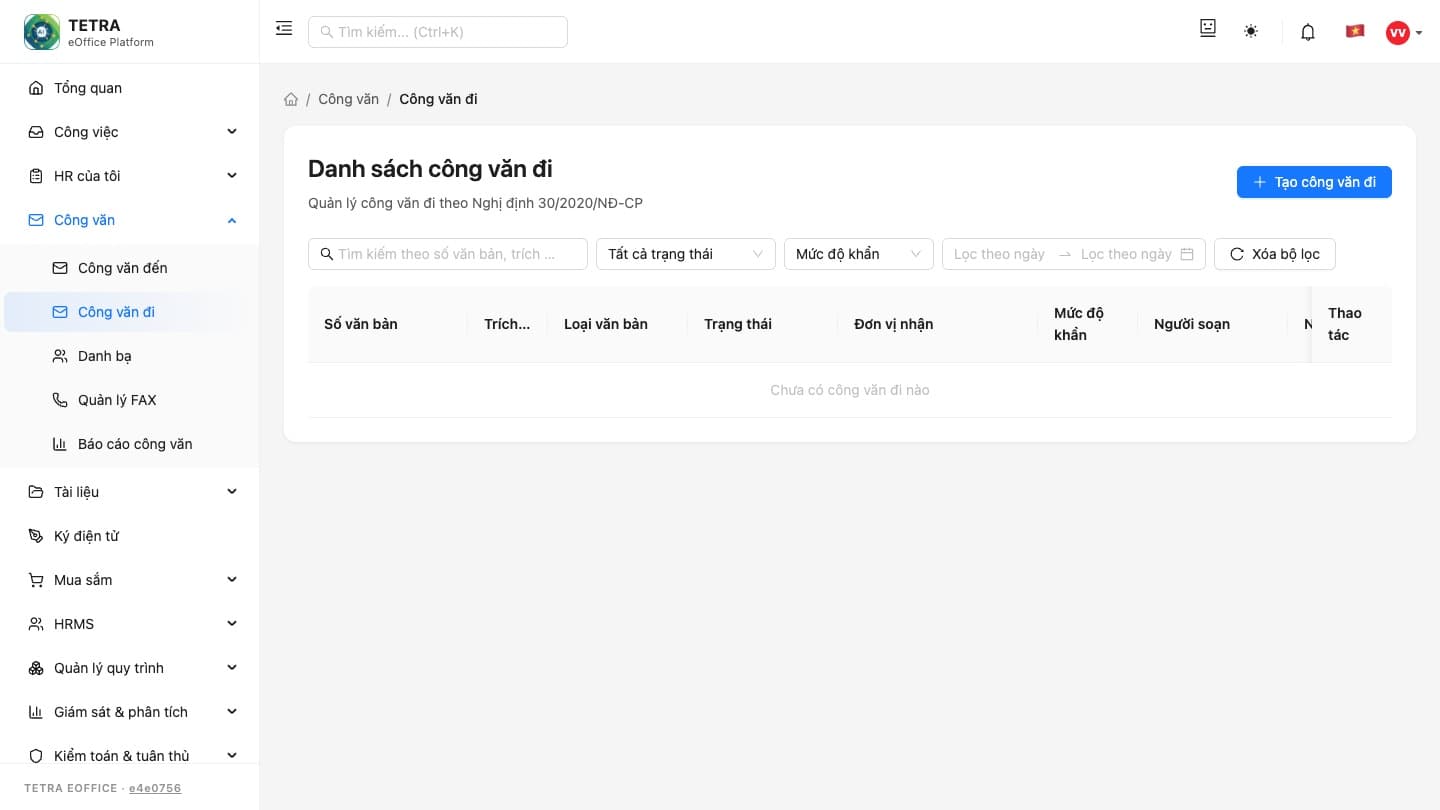
Dashboard: tasks, approvals and events in one place
01 / 09Related articles
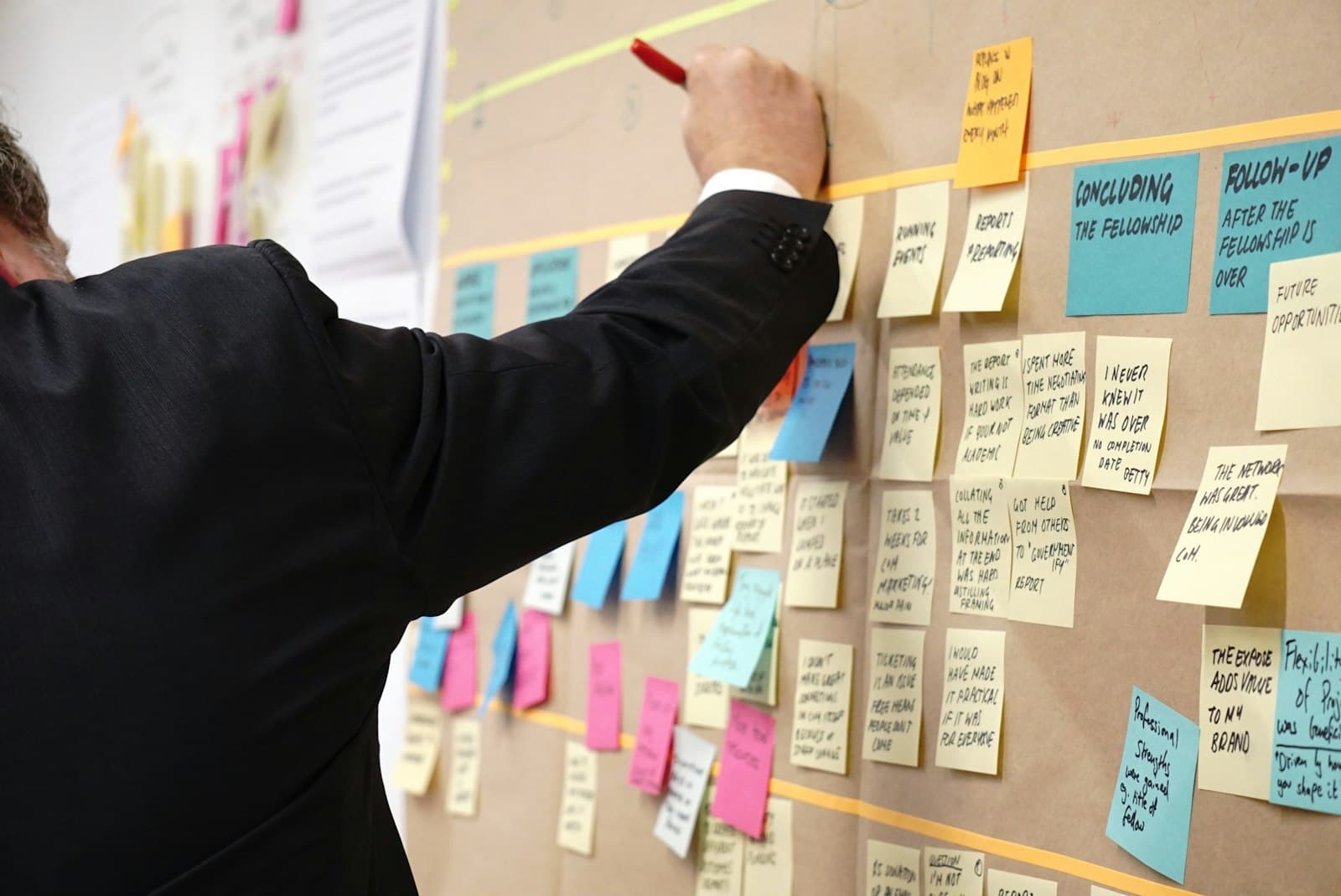
The on-premise eOffice roadmap: from survey to go-live
eOffice is not sign-up SaaS. The five real deployment phases across 3–6 months, what makes it fast or slow, and what your organization should prepare.
Read ↗
eOffice cost: what a rollout quote contains and how to compute TCO
What an eOffice quote actually contains, which factors move the number, and how to compute a three-to-five-year total cost of ownership honestly.
Read ↗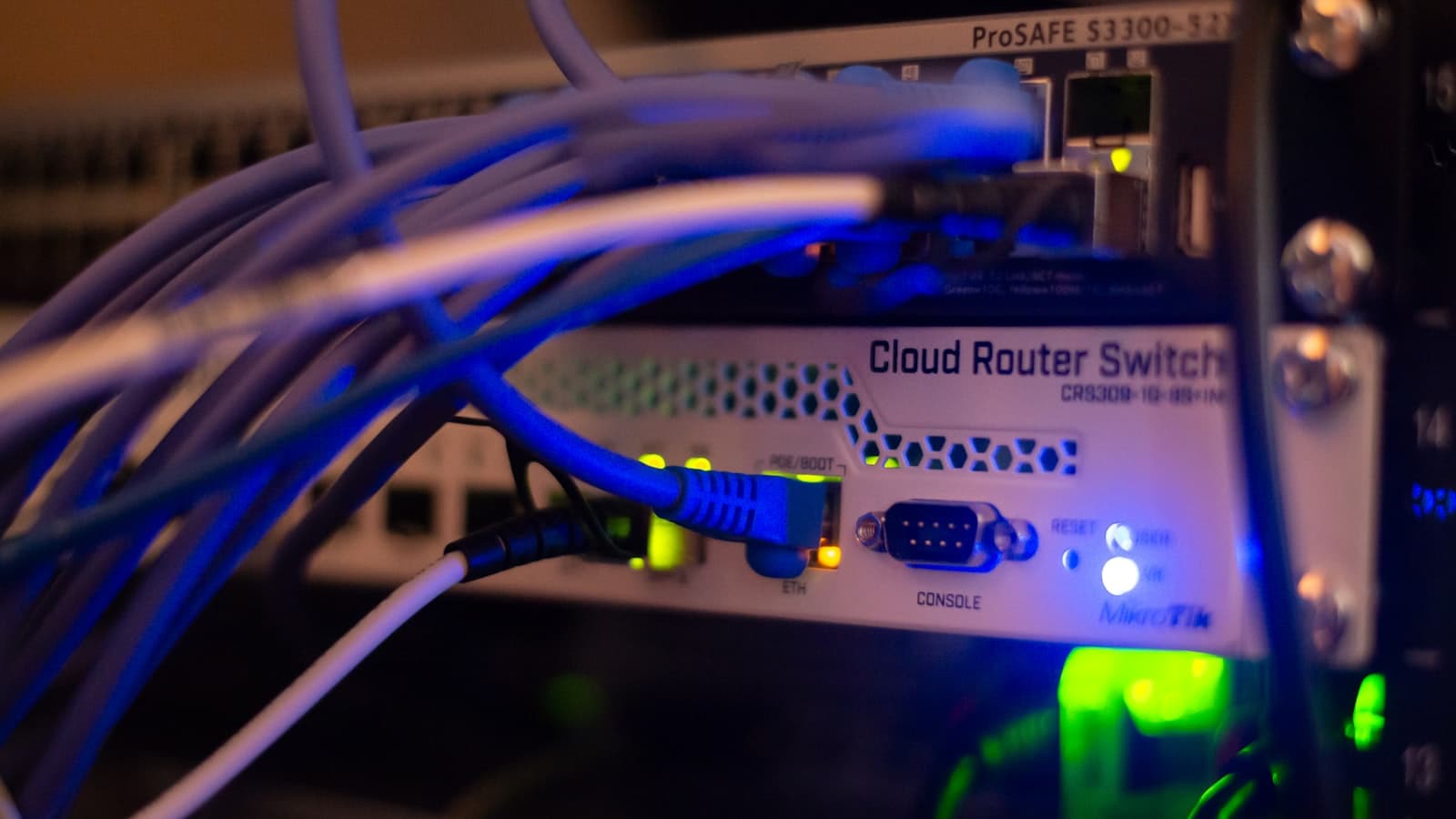
Deploying eOffice on-premise: data sovereignty seen from the architecture
Data sovereignty is more than servers located in Vietnam. A look at the architecture, infrastructure, integration and staffing behind an on-premise eOffice.
Read ↗
Comparing eOffice software: self-hosted on-premise vs rented SaaS
Compare eOffice software across eight criteria: data control, workflow customization, integration, cost, speed, compliance, operations and exit options.
Read ↗
How to choose eOffice software: a scoring framework for large organizations
Every vendor lists dozens of features. A five-layer scoring framework, a way to run a real evaluation, and the warning signs to watch for in a sales pitch.
Read ↗
What eOffice software is: functions, selection criteria and how to roll it out
What eOffice is and is not, the six core function groups, how enterprise and public sector needs differ, how to evaluate products, and a staged rollout path.
Read ↗Want Tetra eOffice for your team?
Book a consultation and we'll demo and advise around your workflows.