Deploying eOffice on-premise: data sovereignty seen from the architecture
 Lê Thị Hồng Vân · Digital administration specialist··9 min read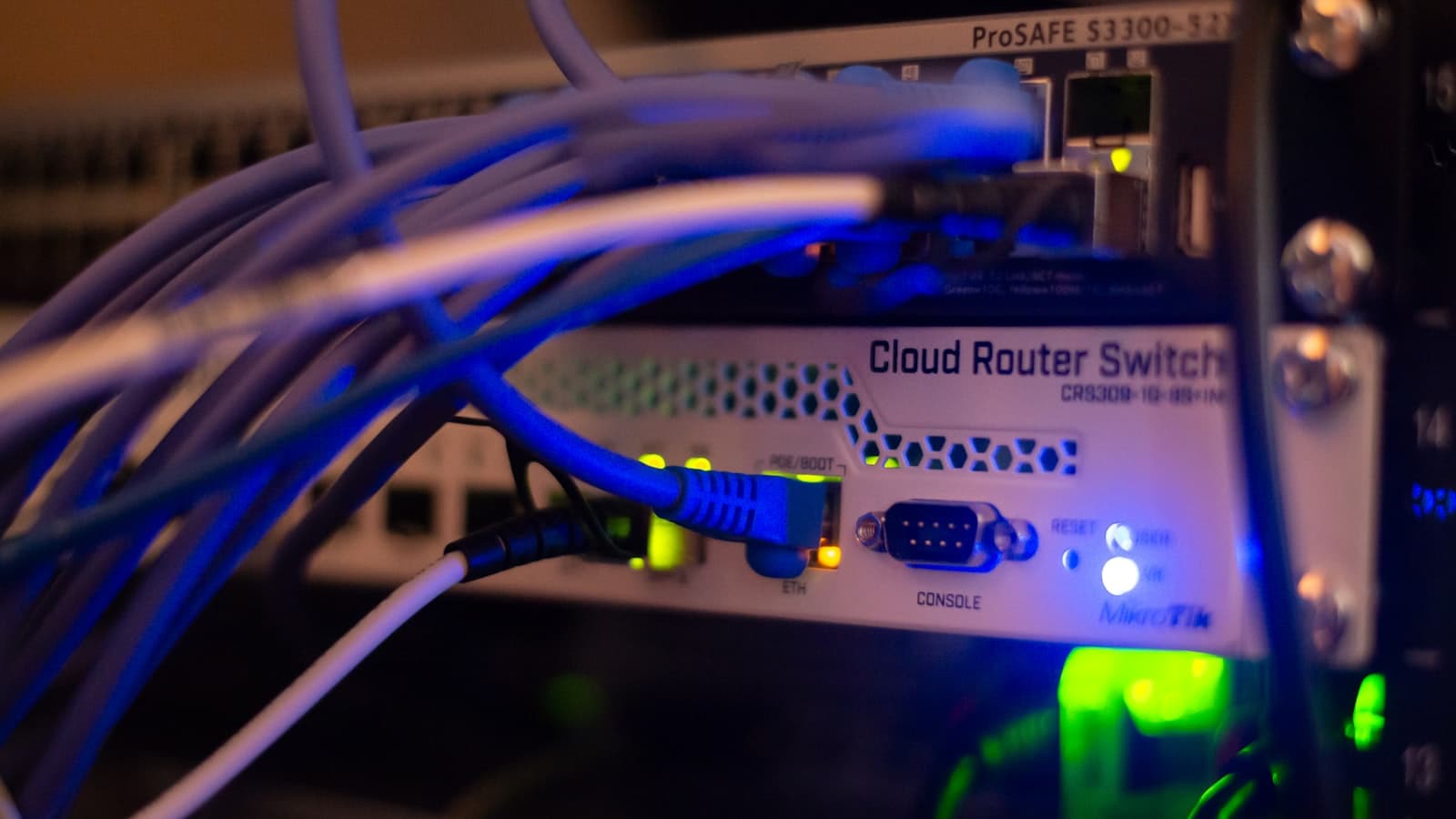
Photo: Albert Stoynov / Unsplash
The most common question we hear from organizations weighing an on-premise eOffice deployment is this: if the servers sit in Vietnam, does that mean we have data sovereignty? The short answer is no. The geographic location of the rack is a necessary condition, not a sufficient one. Data sovereignty is a set of concrete rights: who holds the encryption keys, who can read the access logs, who decides when to upgrade, and where the data goes on the day the contract ends.
This article is not a project timeline. The focus is architecture and technical conditions: what blocks make up an electronic office running on your own servers, what infrastructure it needs at each user scale, what pieces must be ready beforehand, and what operations staffing an internal system actually requires. If your organization is still choosing between models, our piece on on-premise or cloud for data compliance answers that question first.
What data sovereignty means in practice
In tender documents, data sovereignty is usually reduced to a single line: servers located within Vietnam. That is the easiest thing to verify and also the shallowest. In practice, control over a system comes down to five specific points, and you should ask a vendor about each one.
- Who holds the keys. Disk encryption keys, column-level keys for sensitive database fields, the system signing key. If the vendor keeps a copy of the keys for convenience of support, the data sits on your infrastructure but the right to read it does not fully belong to you.
- Who can read the logs. Access logs record who opened which document and when. Those logs must live inside the organization's system, and your own administrators must be able to read them without asking permission. If logs are shipped to an external monitoring service, the most sensitive metadata has already left your control.
- Who decides on upgrades. With software as a service, the vendor upgrades when it suits them. On-premise, the organization chooses the timing, chooses to skip a release, chooses to stay on a version that has passed security review. The right to say no to an update is part of sovereignty too.
- Who can touch the machines. Operating system administration rights, remote access for vendor engineers, the lifetime of support accounts. Grant them per session, with approval and session recording, rather than leaving a permanent VPN account open.
- Where the data goes at contract end. This is the most frequently ignored point. The contract should state the export format, whether metadata and digital signatures come with it, how long the export takes, and how the vendor deletes their copies. A system that can only export flat PDFs means losing the entire workflow and approval history.
Vietnamese law has moved in a direction that requires organizations to be able to answer these questions. Decree 53/2022/ND-CP implementing the Law on Cybersecurity requires in-country storage of user data, with a minimum retention period of 24 months and system logs for investigation kept for at least 12 months. Law on Personal Data Protection No. 91/2025/QH15, effective 1 January 2026, together with Decree 356/2025/ND-CP guiding its implementation, requires organizations to demonstrate how they process personal data rather than simply promise that they do it well. Our article on PDPL 2026 and the on-premise model goes deeper on that side.
The building blocks of an on-premise eOffice
From the outside, eOffice is a website for routing documents for signature and looking up correspondence. From the inside it is seven components running in parallel, and each one is an infrastructure decision.
- Application layer. Drafting, signature routing, approval workflows, case file management. Usually packaged as containers so several instances can run behind a load balancer.
- Business database. Documents, workflows, instructions, approval history. This is the component that needs the strongest protection and the one that determines recovery time after an incident.
- File storage. Attachments, scans, images. Many times larger than the database. It can be a self-hosted object store such as MinIO, or point to SharePoint for organizations already on Microsoft 365.
- Identity and authorization. The source of truth for users, departments and job titles. This is where document access control originates, not in individual application screens.
- Digital signing and verification. Connections to signing tokens, an HSM or a remote signing service; certificate validity checks and timestamping. Decree 23/2025/ND-CP on electronic signatures and trust services is the legal basis here.
- Search and extraction. A full-text index for retrieving old correspondence, plus character recognition for scans. This component consumes resources in bursts, so it belongs on its own.
- Monitoring, logging and backup. Metrics collection, alerting, access log retention and backup scheduling. Many projects treat this as something to add later, which is exactly why the first incident is always expensive.
Separating these blocks lets you upgrade one part without stopping the whole system. It is also what allows business data to stay on the organization's infrastructure while still using existing services where that makes sense.
Server requirements by user scale
There is no single correct number, but a few patterns hold. eOffice load scales with concurrent users rather than total accounts, and concurrency typically runs at 10 to 20 percent of headcount during the morning peak. File storage scales with the number of documents that carry scanned attachments, and it grows steadily year over year rather than levelling off.
- Under 300 users. Three virtual machines are enough: one for the application, one for the database, one for file storage and supporting services. You still need power redundancy and one backup copy on separate media.
- 300 to 2,000 users. Separate the tiers properly: two application nodes behind a load balancer, a primary and standby database with synchronous replication, a dedicated object store, and one node for search. This is the scale at which downtime starts to cause visible damage.
- Above 2,000 users or multiple subordinate units. Add a staging environment that mirrors production, a failover mechanism verified on a schedule, and network segmentation between the web, application and data tiers.
For capacity, take the average size of one case file, multiply by the expected volume for the year, then multiply by three: one part for live data, one for the local backup, one for the offsite copy. Disks are far cheaper than an explanatory meeting held because storage ran out mid-quarter.
The pieces to prepare in advance
Most trouble in on-premise projects comes not from the eOffice software but from the surrounding pieces that nobody claimed ownership of early enough.
- Identity and single sign-on. You need one source of identity. Organizations already on Microsoft 365 will find Entra ID the natural and least effortful choice. Organizations that do not use it, or that deliberately avoid depending on a foreign provider, can run fully standalone with a self-hosted identity server such as Authentik. What matters is that the eOffice system is not hard-wired to either one.
- Digital certificates. Decide who signs with a personal token, who signs with an organizational certificate, and who signs on behalf of an absent executive. Certificate issuance and revocation need an owner before go-live.
- Backup and internal recovery. Not just a backup schedule. Decide in advance how many minutes of data loss is acceptable and how fast recovery must be, then run a real restore drill at least quarterly. A backup that has never been restored is just a large file.
- Monitoring. Alerts on disk capacity, database latency, signing queue depth and error rates, alongside access logs retained for the legally required period.
- Staging environment. A scaled-down copy of production using masked data. This is where patches and upgrades get tested. Skipping it is the fastest way to turn every update into an event people dread.
Integrating with existing systems
eOffice is rarely the first software an organization owns. Integration with existing systems shapes most of what users feel about the project.
- HR. Pull the department structure, job titles and employment status from the HR system so approval routes adjust automatically when someone transfers or leaves.
- Document exchange backbone. For public sector bodies, electronic document exchange under Decree 30/2020/ND-CP on records management is mandatory, not optional.
- Mail and calendar. Signature requests and deadline reminders. This is where an existing Microsoft 365 tenancy pays off fastest.
- Long-term archiving. Closed files should move into an archive on a defined retention schedule instead of sitting in the live system forever.
The general rule is to integrate through versioned, logged APIs rather than wiring systems directly into each other's databases. Direct database access works today and breaks at the first upgrade.
What operations staffing it takes
This is the question that makes organizations hesitate, and it is usually overstated. Running an on-premise eOffice does not require a dedicated team, but it does require named roles with accountable owners.
- Infrastructure administration. Virtual machines, network, storage, backups. Usually existing IT staff, plus a few hours a week.
- Application administration. Accounts, departments, document templates, approval workflows. This role belongs with the office administration function rather than with engineering, because most changes are process changes.
- Security point of contact. Permission reviews, alert triage, handling requests related to personal data.
The vendor can carry the rest: packaging releases, patching, support against agreed service levels, advice on scaling, and running recovery drills alongside the internal team. The boundary of responsibility belongs in the contract as a concrete task list, not as a general sentence about technical support.
Common self-hosting risks and how to reduce them
- Single-person dependency. Only one administrator understands how the system runs. Reduce it with hand-written operations documentation and at least two people holding equivalent rights.
- Deferred patching. Without a staging environment nobody dares update, and the system falls behind. Reduce it with a fixed patch calendar and pre-announced maintenance windows.
- Unusable backups. This failure only surfaces at the worst possible moment. Reduce it with scheduled restore drills that produce a written record.
- Permission sprawl. After a few reassignments, people hold both old and new rights. Reduce it with periodic access reviews and role derived from the HR system.
- No monitoring. Incidents get reported by users rather than by the system. Reduce it with minimum alerting on disk, latency and error rate from day one.
When weighing the cost of all this, read it alongside our comparison of on-premise eOffice and SaaS and the criteria for choosing eOffice software for the full picture from both sides.
Conclusion
Data sovereignty is decided in the architecture, not in a promise. A system that preserves sovereignty is one where the organization can answer for itself: where the keys are, who reads the logs, who presses the upgrade button, and by what route the data leaves if the contract ends tomorrow. Deploying eOffice on-premise is the most direct way to obtain those answers, provided the infrastructure, identity, backup and operational roles are properly prepared.
Tetra eOffice is customized to your processes and runs on your own infrastructure. Organizations already on Microsoft 365 can use Entra ID and SharePoint to shorten deployment; those that are not still run fully standalone with Authentik and MinIO. If you want to review the architecture and infrastructure requirements for your specific case, book a consultation with the Tetra team.
Related articles

Transferring personal data abroad under the PDPL: records, process and penalties
The 2026 PDPL sets strict obligations for transferring personal data abroad, with the highest penalty of up to 5% of revenue. When it applies, what to file, and how to reduce risk with on-premise.
Read ↗
PDPL review season: impact assessment records and the DPO role
After PDPL took effect, businesses enter a review season: impact assessment records, the DPO role, and reviewing data transfers out.
Read ↗
A PDPL & cybersecurity penalty decree is coming: compliance gets urgent
The Ministry of Public Security is consulting on a draft decree on administrative penalties for cybersecurity and personal data violations. PDPL gets teeth.
Read ↗Personal Data Protection compliance checklist
The obligations to review under the law and its implementing decree, in priority order.