Digitize old paper documents with on-premise AI — no leakage
 Phạm Hải Anh · AI engineer··7 min read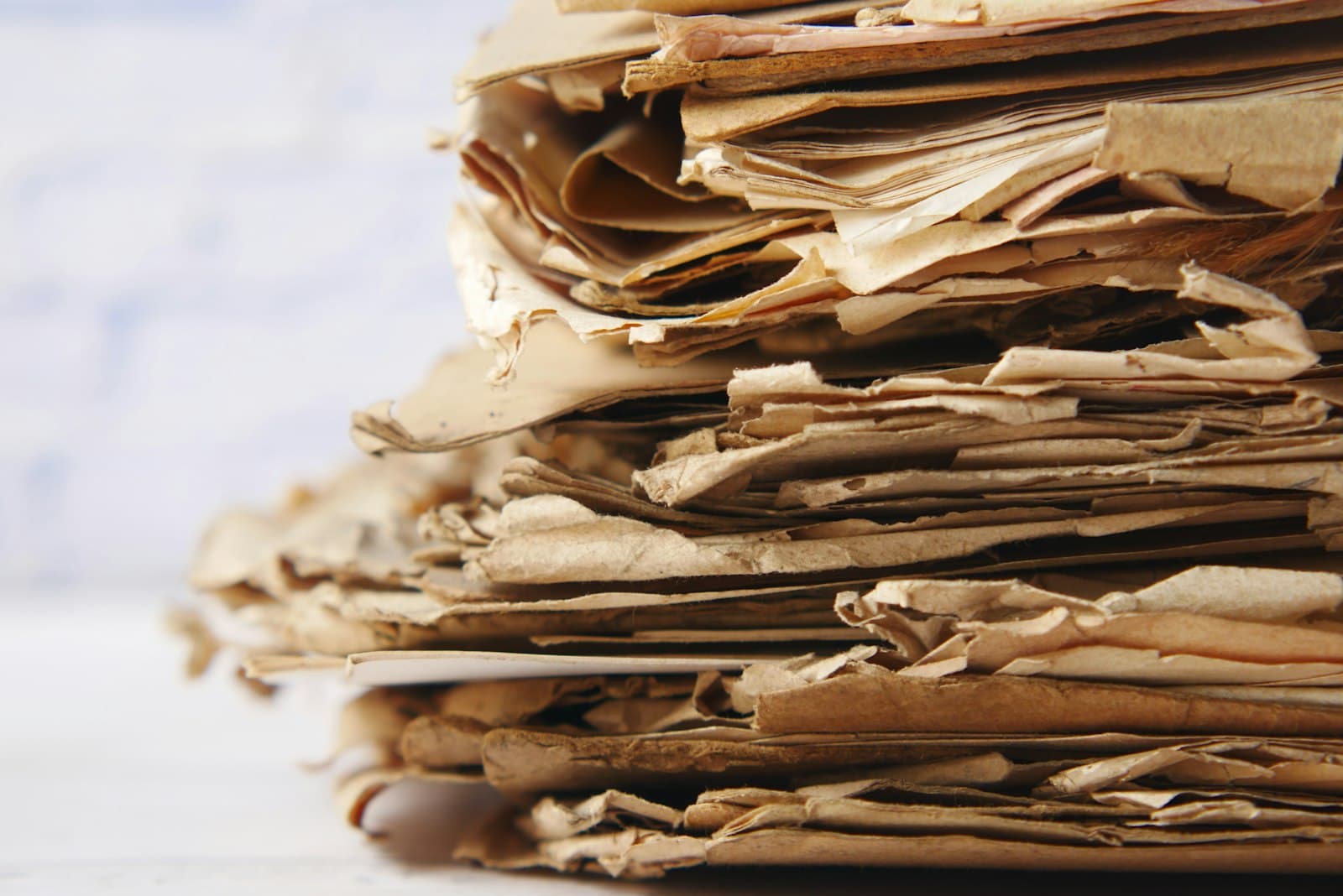
Photo: Towfiqu barbhuiya / Unsplash
Almost every organization has moved most of its daily work onto software by now. Yet in the corner of the records room, inside the old metal cabinets, thousands of paper files still sit untouched — civil status registers, birth certificates, marriage records, land files, the records of elderly residents at ward and commune offices. They still carry legal weight and still get looked up, but they live outside every digital system. The consequence is concrete: a citizen comes in asking for a certified extract, and an officer has to go down to the archive, pull tray after tray, and scan page by page. Public service slows to a crawl, and more than once the citizen ends up re-submitting the very document the office already holds.
Digitizing this backlog of old paper sounds simple but runs into two problems at once: the volume is too large to key in by hand, and the content is too sensitive to hand off casually to an outside service. This article is about untying both knots with AI that runs on your own infrastructure.
Why old paper files are a hard problem
Manual data entry from paper is slow and error-prone. Decades of civil status files can run to tens of thousands of pages; asking people to retype every field is expensive, exhausting, and accumulates mistakes with every working day. It is exactly the kind of repetitive work nobody wants and nobody can drop.
Old paper is also hard because of the originals themselves. Ink fades, paper yellows, seals overlap the text, some records are handwritten and some are typewritten, and page sizes vary. Photos and scans often come out skewed, wrinkled, or underexposed. These are precisely the spots where plain text-reading tools stumble — the hardest part is always understanding the layout of the page, not just reading characters off it. We covered the difference between reading text and capturing the right data in more depth in Vietnamese OCR: turning document images into usable data.
But the biggest barrier is not technical — it is personal data. Civil status files are full of protected information: names, dates of birth, hometowns, family relationships. The moment someone reaches for OCR or AI to speed things up, they hit the question: are we even allowed to upload these pages to a cloud service hosted abroad, and who is accountable if they leak? For citizens' records, the cautious answer is usually no.
Why to process it with on-premise AI
The way to untie the knot is to let the reading and extraction happen right on the organization's own servers, instead of sending images out. An on-premise vision model — for example Google's open Gemma family — reads printed text, typewritten text, and page layout, so there is no need to bolt on a separate OCR engine. The whole process stays inside your network: images in, data out, not a single page leaving your infrastructure.
The core idea here is data sovereignty. When the model and the entire data path sit on hardware you control, you are not at the mercy of a vendor's terms that can change at any time, and you are not worrying about content being retained somewhere for purposes you cannot verify. For citizens' records, this is not only peace of mind but compliance: keep the data in-country, process it on-site, and avoid the obligations and risk that come with transferring personal data abroad. We walked through how to stand up a fully in-house document-reading AI system in On-premise AI for internal documents.
One thing worth stating plainly, to keep expectations straight: this is not about building a chatbot to converse with your paper archive. Digitizing old files is the problem of pulling a handful of correct fields from thousands of same-template pages, over and over, reliably — a very different job from open-ended question answering, and one that needs a tool built for exactly that.
The journey of one page: from cabinet to searchable data
Template-based digitization is a process with clear steps, not a one-button miracle. Picture a single page moving through the following sequence.
Capture or scan. Turn the paper into a digital image. This step determines much of the downstream quality: even lighting, a flat surface, and enough resolution to read both the fine print and the seals. A naming and filing convention set up at the start saves a great deal of effort later.
Read and recognize. The vision model reads the content, recognizes what kind of document this is, and locates where the fields sit. Because the model understands layout, it can tell a heading from a date box from a signature block.
Extract by template. You have declared a template in advance for each record type — which fields to capture, which ones are sensitive. The model fills those fields into structured data, rather than returning a raw wall of text. Precisely because the pages in one archive share a common template, this step runs consistently and predictably.
Verify and approve. A reviewer sets the original next to the machine-read data, corrects any mistakes, and approves. This step cannot be skipped for legal records: a human remains the ultimate accountable party, while the AI handles the heavy lifting of retyping. Every edit and approval is logged.
Store and connect. Approved data goes into a database, instantly searchable and pushed to other systems via API when needed. From here, pulling a record goes from an hour of cabinet-digging to a few seconds of typing.
Why accuracy is higher for same-template records
There is a technical reason why digitizing civil status files yields far better results than scraping data from a grab-bag of mixed documents. When thousands of pages all follow the same template — same position for the name field, same spot for the date, same layout — the system does not have to re-guess the structure for each page. You declare the template once, and it applies to the whole archive. Errors from misreading the layout, which are the single largest source of mistakes in general-purpose OCR, all but disappear.
This also lightens the human review step. When fields are always where they are expected, the reviewer glances to catch errors rather than checking from scratch. For critical fields such as dates or identifier numbers, you can set format-validation rules so the system flags anything suspicious, putting exactly the pages that need a closer look in front of the reviewer first.
An honest caveat: no tool reads correctly one hundred percent of the time on the first pass, especially with faded old paper or handwriting. The real value is not in an advertised accuracy figure but in the AI carrying the heavy retyping while people concentrate on reviewing and deciding. That is why the approval step is always part of the process, not an option.
Governance and privacy when digitizing citizens' records
Digitizing personal records is not just about getting it done, but about doing it in a way that stands up to later scrutiny. A few principles are worth setting from the outset.
Data never leaves home. Because the model runs on-premise, both the original images and the extracted data stay inside your infrastructure. This is the foundation for any compliance conversation: keep data in-country, and minimize any movement of personal data outward.
Role-based permissions. Not everyone should see every file. The person scanning, the person reviewing, and the person looking up records should have different rights, tied to what each role actually needs to do.
Full audit trail. Who read, edited, and approved which page, and when — all of it needs to be recorded. When a question arises about an error or a possible leak, this log is the only thing that lets you reconstruct what happened.
Flag sensitive fields. Right in the template, fields that count as personal data should be marked, so you can later control how they are displayed, exported, and shared.
Takeaway: a checklist to start
If your organization has cabinets of paper waiting to be digitized, you can get moving with a few tidy steps. Pick one record type that is high-volume and same-template to do first, for example marriage or birth registrations. Declare a template for it, listing the fields to capture and marking the sensitive ones. Standardize the capture step so images come out clear. Let the AI run the extraction, then have a person review against the original with an audit trail. Finally, load the approved data into a searchable database, and keep the entire process on your own infrastructure.
Molly is Tetra's tool built for exactly this: it batch-digitizes same-template records and extracts them into searchable data, with the model running fully on your own infrastructure so citizens' data stays in. Molly is a digitization and extraction tool, not a conversational assistant. The surest way to know whether it fits your archive is to try it on your own documents — book a Molly demo with the Tetra team.
Related articles
WebMCP: letting AI assistants call tools directly on tetra.vn
WebMCP is a new web standard that lets a site declare its functions for AI assistants to call directly. tetra.vn now supports it, among the first in Vietnam.
Read ↗
Google’s Open Knowledge Format (OKF): packaging knowledge for AI agents — what we learned deploying it
Google just published OKF — an open standard that turns organizational knowledge into a Markdown directory agents read directly. We took the samples apart and pulled out deployment lessons for several domains.
Read ↗
Angler: an open-source search, crawl & research gateway you self-host
Angler is a free, MIT open-source search + crawl + research gateway you self-host: web access for AI agents (Claude Code, Cursor…) over MCP or the Firecrawl SDK, turning the web into clean, bias-resistant markdown for research and AI agents.
Read ↗Try AI on one concrete problem for 30 days
The AI Pilot measures real impact before a large investment, with a stop point after week one.