Vietnamese OCR: turning document images into usable data (safely)
 Phạm Hải Anh · AI engineer··8 min read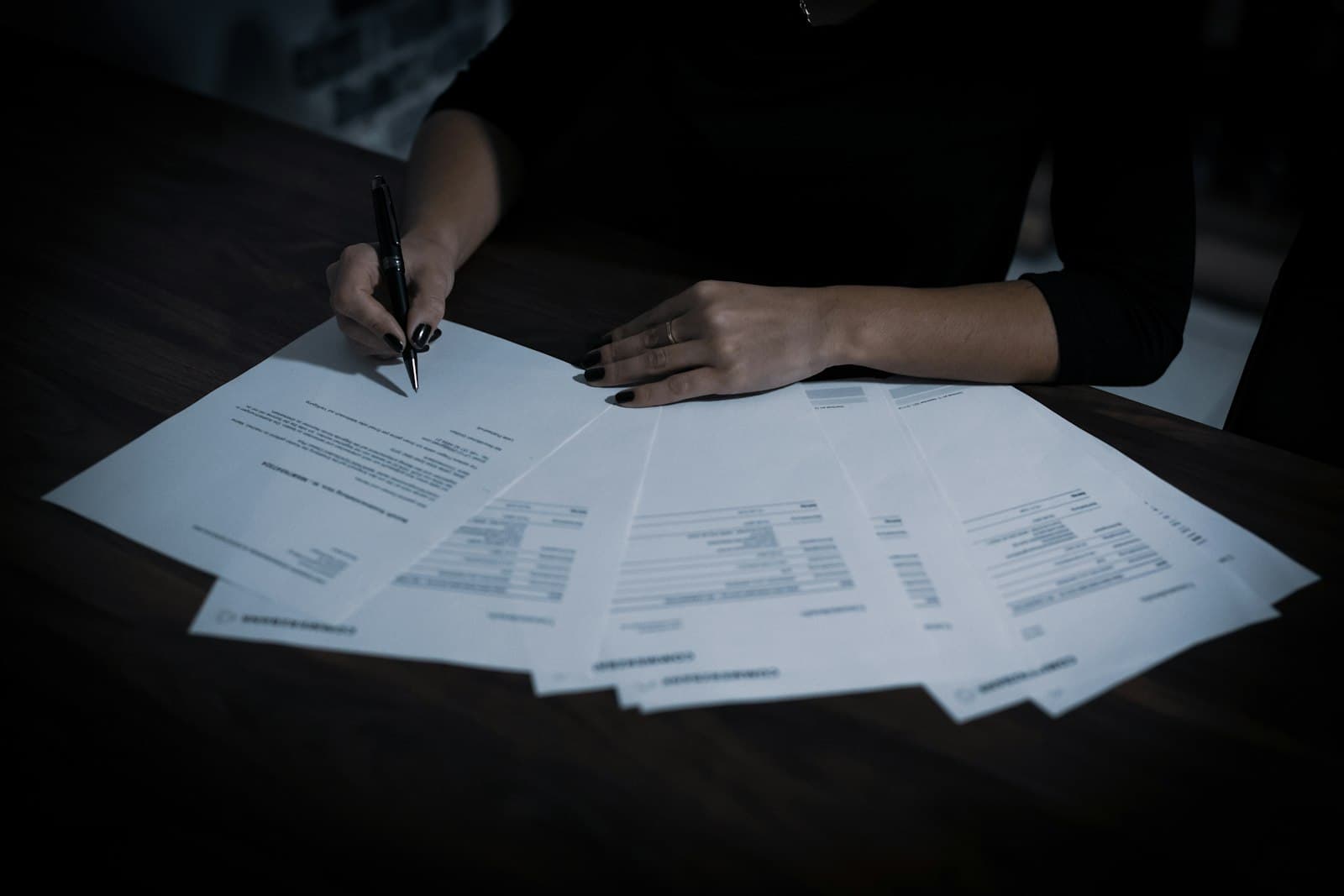
Photo: Dimitri Karastelev / Unsplash
Many people think OCR is the whole job: scan an image, get text. But what a business actually needs is not a page of text — it is structured data (names, dates, amounts, record numbers) ready to enter into a system. That is the gap between "reading the text" and "using the data". This article is about the technology that closes that gap: where Vietnamese OCR gets hard, how it differs from data extraction, the path from an image to a cell in Excel, and why a template-based approach on high volume gives far steadier results than asking a chat model one question at a time.
Why Vietnamese OCR is harder than it looks
Vietnamese is not hard because it is exotic. It is hard because the writing system compounds with the messy quality of real documents.
Diacritics and tone marks. A single Vietnamese letter can carry both a shape mark and a tone mark: "ầ", "ệ", "ưở". On a blurry, skewed or over-inked scan, a model easily confuses "à" for "á", or "ẻ" for "ẽ". One wrong mark changes the meaning, and on a proper name one wrong mark is the wrong record entirely.
Mixed fonts and uneven sizes. Real documents are rarely one font. A single form may combine machine print, an old typewriter, a rubber stamp, and a handwritten section. Each layer is a different recognition problem.
Stamps and signatures over text. A round red stamp usually lands on top of the most important content — the date, the reference number, the authorizing signature. A human still reads through it; a pure-OCR tool treats the red ink as noise and misreads what sits underneath.
Tables and layout. A great deal of paperwork is tabular: lists, schedules, multi-column forms. Reading the characters correctly is not enough; you have to know which cell and which row a value belongs to, so it lands in the right column. This is where character-only tools stumble most.
Handwriting. Let us be blunt: handwriting is the hardest part, and no tool can guarantee perfect accuracy on it, especially cursive or hurried script. For an important handwritten field, the honest approach is to let the machine read first and have a person confirm — not to promise an accuracy number that does not exist.
OCR versus data extraction
These two are often lumped together, but they solve different problems.
OCR (optical character recognition) turns an image into text. The result is a long run of characters in reading order, with no structural meaning. The machine knows it is text; it does not know which part is the vendor name, which is the date, which is the total.
Data extraction goes further: it understands what kind of document this is, then pulls the right fields into labelled data. For an invoice, OCR gives you the whole page of text; extraction gives you three clear fields — vendor, date, total — ready to push to Excel or accounting software without manual copy-paste.
That difference is what creates real value. A page of text still needs a person to read it and retype it into a system — the slowest and most error-prone step stays exactly where it was. Structured data, by contrast, enters directly, is searchable immediately, and can be reconciled automatically. A business is not paying for one more page of text; it is paying to remove one more person from the typing.
The path from an image to a cell in Excel
A well-built extraction pipeline runs through a few stages, and a weakness in any stage drags down the final quality.
Normalize the input image. Deskew tilted scans, boost contrast, deal with yellowed backgrounds and fold lines. The cleaner the image goes in, the easier every later step becomes. This stage gets the least attention and prevents the most errors.
Read text and understand layout together. Here is a real shift from older tooling. A vision AI model reads both printed text and page layout in one pass, so there is no need to bolt an OCR engine onto a separate layout-analysis layer. The model sees the whole image as a whole: this is a table, this is the date cell, this is the stamped area.
Map to the fields you want. The recognized text is attached to the correct data label — a "full name" field, a "date of issue" field, a "reference number" field. This is the step that turns raw text into usable data.
Emit structured output. The result goes to Excel, CSV, or straight into another system via an API. By this point the data is ready for lookup, reporting and reconciliation — it is no longer an image.
Why a template-based approach fits high volume
The key to understanding this technology: template-based extraction and open-ended question answering are two different problems.
If you have thousands of documents on the same form — marriage registrations, HR declarations, invoices in the same layout — the position and meaning of the fields are nearly fixed. You define a template once: declare the fields to capture, flag which are required and which are sensitive. From then on each image simply fills a known mold. This gives steady, controllable results, because the machine always knows what it is looking for.
By contrast, handing that same stack to a chatbot and asking one question at a time is slow, costly and unpredictable: each query phrased differently, each answer shaped differently, no mold to check against. For high-volume same-template documents, the template approach is a much better fit. We covered the line between document Q&A and template extraction in more depth in on-premise AI for internal documents.
This is also why a template-based tool is a digitization and extraction tool, not a chatbot you talk to about files. Matching the right tool to the problem matters more than picking the biggest model.
Validation and accuracy: machine reads, person reviews
No tool reads real paperwork with perfect accuracy, and anyone promising that deserves suspicion. The goal is not to eliminate mistakes but to catch them before they enter the system.
The trustworthy method is to let the machine read and pre-fill, then have a person review against the original — image and extracted field side by side, correct the mismatches, then save. On clearly printed text, most fields are filled correctly and the reviewer just skims to confirm. On handwritten fields or spots buried under a stamp, the reviewer focuses exactly on those hard places. This is many times faster than typing everything by hand, while keeping one accountable person at the end.
A few principles make the review real rather than a rubber stamp:
- Flag uncertain fields. Where the machine is unsure should be highlighted so the reviewer looks there first, instead of scanning the whole page evenly.
- Constrain by format. A date must parse as a date; an ID number must have the right digit count. These simple constraints catch many misreads on the spot.
- Keep an edit trail. Who changed what, when, from the machine value to which value — needed for later reconciliation and for records under compliance obligations.
And a candid word: do not trust the accuracy figure in an ad. The only number worth trusting is the result of a trial on your own documents, with your real image quality and your real document types.
Run it in-house, because the data is yours
Free online OCR is fine for a few unimportant images. But for records with personal information — ID cards, contracts, HR files, civil-status papers — uploading them to an overseas service pushes data out of your control. Under the Personal Data Protection Law, this can even count as transferring personal data abroad, with its own documentation obligations. Sensitive data belongs inside your own network.
The safe approach is to run the whole reading-and-extraction job on your own server. A vision AI model running on-premise reads both text and layout, the result is pushed straight to Excel or other systems via an API, and not a single line leaves your infrastructure. We wrote about this in-house digitization approach for the case of backlogged paper in digitizing old documents with on-premise AI.
Takeaway: the right tool for the right job
If your job is to extract data from high volumes of same-template paperwork, lean on these points when you evaluate a tool:
- Output is structured data, not a page of text. Labelled fields, pushable to Excel and other systems.
- Template-based. Define the fields once, apply to the whole batch — steadier than open-ended Q&A.
- Human review and an audit trail. Machine reads, a person confirms against the original, every edit is recorded.
- Handles Vietnamese specifics. Diacritics, mixed fonts, stamps, tables; and honest about the limits of handwriting.
- Runs in-house for sensitive data. Never send records with personal information to an outside service.
Molly is a tool built for exactly this approach: it digitizes documents in bulk and extracts structured data, running fully on-premise on your own infrastructure. You define a template once, feed in a batch of images, the AI reads and pre-fills, a person reviews against the original, then saves. The license is free; you only pay for installation and provide your own hardware. Don't take a marketing number on faith — book a Molly demo and try it on your own documents, running on your own infrastructure.
Related articles
WebMCP: letting AI assistants call tools directly on tetra.vn
WebMCP is a new web standard that lets a site declare its functions for AI assistants to call directly. tetra.vn now supports it, among the first in Vietnam.
Read ↗
Google’s Open Knowledge Format (OKF): packaging knowledge for AI agents — what we learned deploying it
Google just published OKF — an open standard that turns organizational knowledge into a Markdown directory agents read directly. We took the samples apart and pulled out deployment lessons for several domains.
Read ↗
Angler: an open-source search, crawl & research gateway you self-host
Angler is a free, MIT open-source search + crawl + research gateway you self-host: web access for AI agents (Claude Code, Cursor…) over MCP or the Firecrawl SDK, turning the web into clean, bias-resistant markdown for research and AI agents.
Read ↗Try AI on one concrete problem for 30 days
The AI Pilot measures real impact before a large investment, with a stop point after week one.