Angler
A free, self-hosted Firecrawl alternative: a local-first search + crawl + research gateway that turns the web into clean markdown for research and AI agents — multi-source and bias-resistant. MIT open source. Web access for AI agents via MCP / the Firecrawl SDK.
For you whenWhen you need to collect and clean web content for research or to feed an AI agent — right on your own machine.
 tetra://angler · :17300
Turn the whole web — even hard pages and academic sources — into clean, many-sided data, right on your own machine.
Angler is an open-source search + crawl + research gateway: send a query or URL, get clean markdown back — multi-source, bias-resistant, Firecrawl-compatible. Free and local-first: it runs on your own machine, no API key, no limits. Web access for AI agents — Claude Code, Cursor, Codex CLI and more call Angler over MCP or the Firecrawl SDK to search and read the web. A self-hosted Firecrawl alternative for market research, information gathering and feeding data to AI agents / RAG.
Search, scrape, crawl and research — one local API
Five services behind a single gateway (port 17300). Send a query or a URL, get clean markdown back.
Search & scrape
Meta-search across many sources, then extract clean markdown; pages behind Cloudflare are bypassed, empty pages (paywall/login) are clearly flagged.
Crawl & map
Crawl an entire website by depth and sitemap, running in the background — no opening tabs by hand.
Bias-resistant research
Gathers sources across types (news, academic, official, community), languages and opposing sides — with diversity stats.
Deep research with citations
Multi-round find–read–synthesize, returning a report with source citations — great for market research and information synthesis.
Extras
Turn videos into transcripts, monitor pages for changes on a schedule, and extract structured data with an LLM (local or cloud).
A self-hosted Firecrawl alternative
Angler speaks the Firecrawl API. Any agent, SDK or the Firecrawl MCP server already using Firecrawl just points at your machine — no code changes.
# point your Firecrawl SDK at Angler
export FIRECRAWL_API_URL=http://localhost:17300

# search + scrape in one call
curl -X POST $FIRECRAWL_API_URL/v1/search \
  -H "Authorization: Bearer $ANGLER_API_KEY" \
  -d '{"query":"on-prem AI market 2026","limit":5}'
Web access for your AI agents
Angler is the web tool your agents call: give an AI coding agent the ability to search and read the web as clean markdown. It speaks the Firecrawl API, so agents reach it via the Firecrawl MCP server or the Firecrawl SDK — just point the base URL at Angler.
Via MCP (Model Context Protocol)
Angler is a Firecrawl-compatible REST API — it does not speak MCP itself. Point the Firecrawl MCP server at your Angler instance and your agent discovers and calls search, scrape, crawl and deep-research as tools. Angler + the Firecrawl MCP server give you a self-hosted web-search / web-scraping MCP server for Claude Code, Cursor and any MCP client.
Via the Firecrawl SDK / HTTP
Set FIRECRAWL_API_URL to your Angler instance and existing Firecrawl code runs unchanged — or call the REST API directly from your agent framework.
The result: give your AI agent web access — a web search + scrape API returning LLM-ready markdown for agentic RAG, all local and yours.
MIT open source — self-host with Docker
Angler is MIT-licensed: free to download and run on your own infrastructure. Requirements are just Docker + Docker Compose. Runs local by default — no API key, no rate limits, your queries never leave your machine.
- MIT license — use it for anything, no license fees
- Docker is the only requirement; up in minutes
- No vendor lock-in — your data and infrastructure
# requires Docker + Docker Compose
git clone https://github.com/tetravn/angler-crawl
cd angler-crawl
cp .env.example .env
docker compose up -d   # port 17300

# local = no API key. To share it, set ANGLER_API_KEY for Bearer auth.
Open, public, MIT-licensed on GitHub
Not a black box — the full stack is public. Read the code, open issues, or fork it.
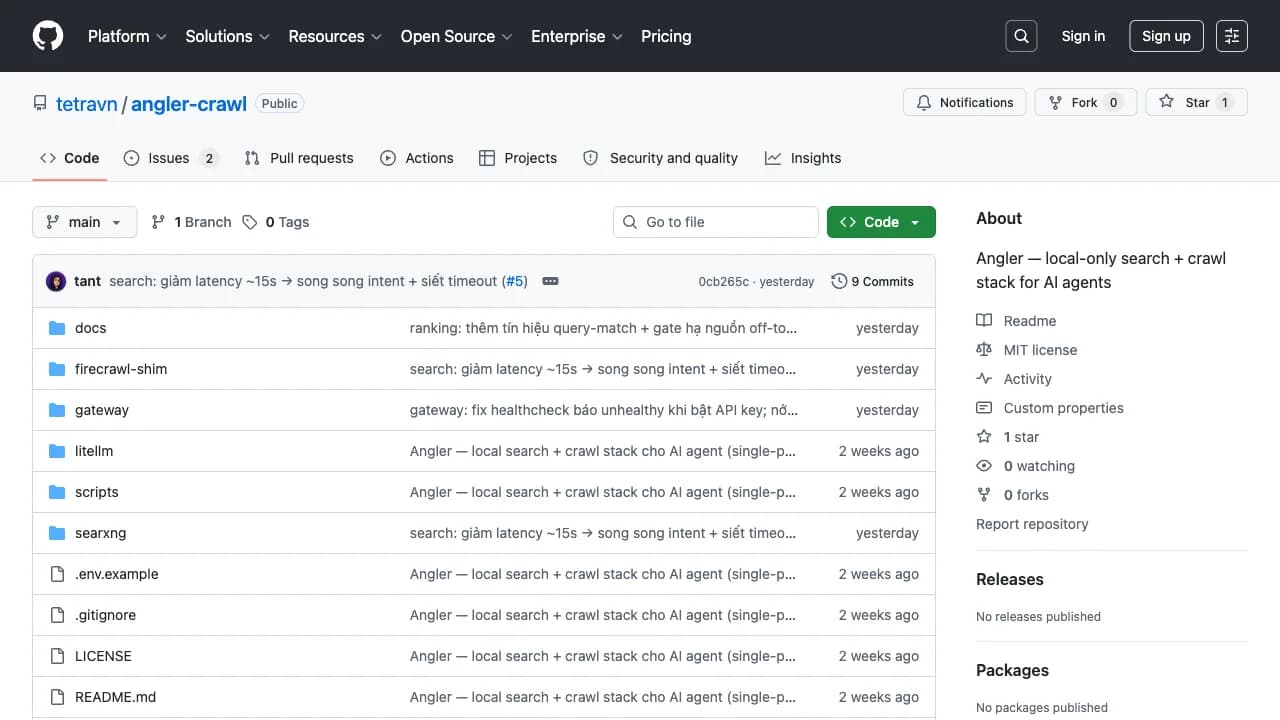 github.com/tetravn/angler-crawlOpen repo ↗
A full API, Firecrawl-compatible
Everything behind one gateway. Interactive Swagger docs ship at /docs and the OpenAPI spec at /openapi.json. Every /v1/* route is also available as /v2/*.
Search & scrape
- GET
/searxng/searchMetasearch via SearXNG - POST
/v1/searchSearch + optional scraping - POST
/v1/scrapeScrape one URL, CF bypass - POST
/v1/batch/scrapeAsync batch scrape
Crawl & map
- POST
/v1/mapDiscover links via sitemap - POST
/v1/crawlAsync deep crawl (BFS) - GET
/v1/crawl/{id}Poll crawl job status
Research
- POST
/v1/researchMulti-source, anti-bias - POST
/v1/deep-researchIterative, with citations
Extract & automate
- POST
/v1/extractLLM field extraction - POST
/v1/agentBrowser automation via LLM - POST
/v1/transcriptExtract video captions - POST
/v1/monitorSchedule page monitoring
Ops
- GET
/v1/logsActivity logs - GET
/v1/statsAggregate statistics - GET
/docsInteractive Swagger UI - GET
/openapi.jsonFull OpenAPI spec
Auth is optional: local runs need no key; set ANGLER_API_KEY to require an Authorization: Bearer header on every endpoint.
Multi-source, bias-resistant by design
Instead of reading the top few SEO results that share one viewpoint, /research diversifies sources along several axes at once — and shows you the diversity, so you see the full picture.
- Many source types
- Multiple languages
- Opposing sides enforced
- Per-domain cap
- Diversity stats
Angler is a local, single-user tool — quick to start with and entirely yours. It gathers and cleans sources; the reading and judgement stay with you (or your agent).
Built for research and AI, not just scraping
Many-sided, less bias
Don’t let one ranking algorithm decide what you read — actively diversify sources on several axes.
Rich sources, academia too
Reaches both the open web and academic literature — serious research, not just a few top-SEO blogs.
Clean data for AI
Tidy, low-token markdown, ready for RAG and AI agents — plug in the Firecrawl SDK and go.
Sovereign & private, MIT
Runs locally: no API key, no rate limits, your queries never leave your machine. MIT open source.
Collecting information from the web by hand is a lot of work
Researching with Google by hand means opening tab after tab, filtering out ads and menus by eye, and copy-pasting passage by passage. Pages behind Cloudflare or a paywall usually stop you cold. And because you follow the SEO ranking, it's easy to read only a handful of sources that share one point of view.
Angler is built to replace that whole workflow: finding, cleaning and diversifying sources — the most tedious part, and the hardest to automate by hand.
One search + crawl gateway running on your own machine
Angler wraps five services behind a single gateway (port 17300 by default). You send in a query or a URL, and Angler returns clean markdown — ready to read, to store, or to drop straight into an automated workflow.
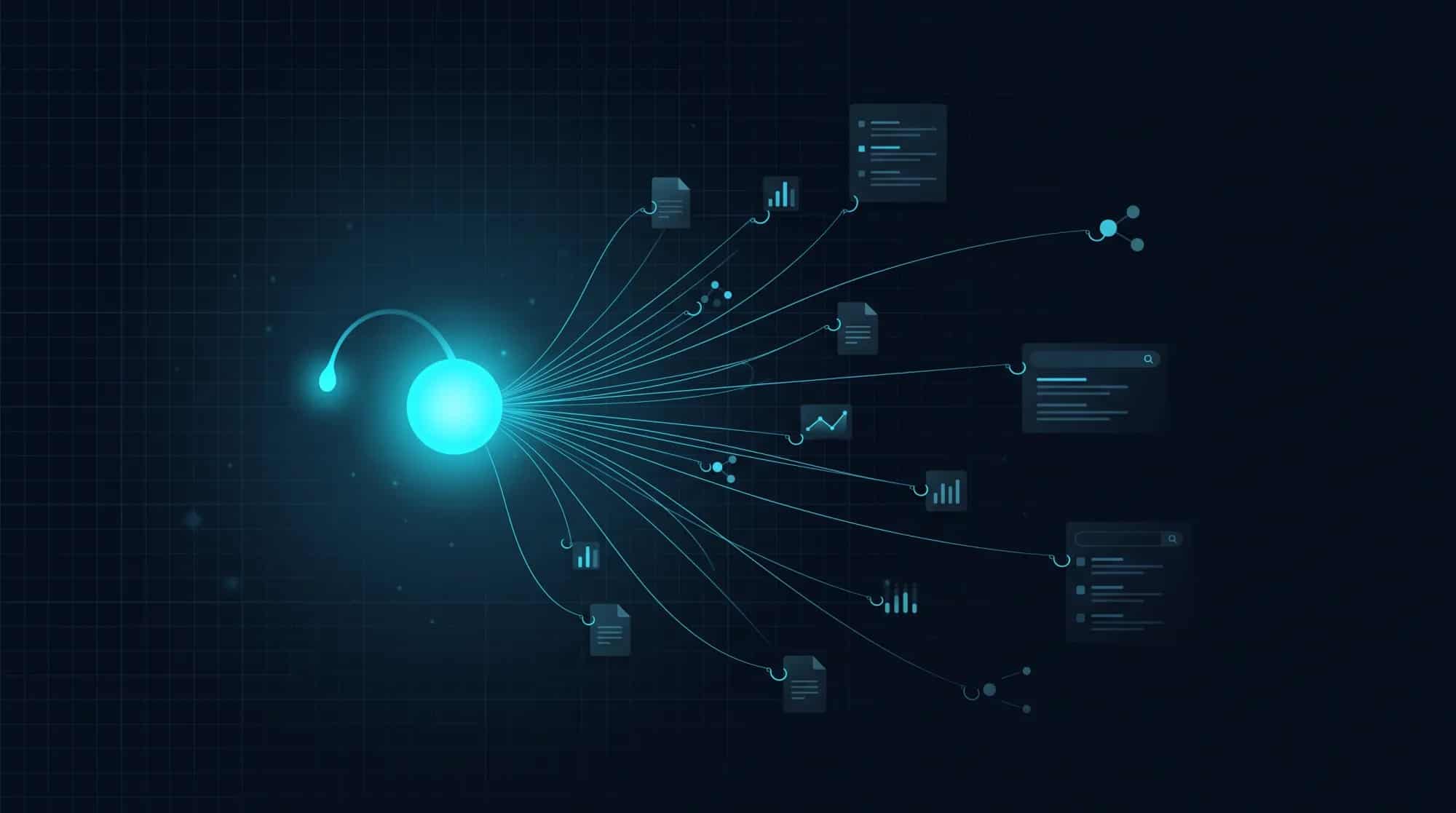
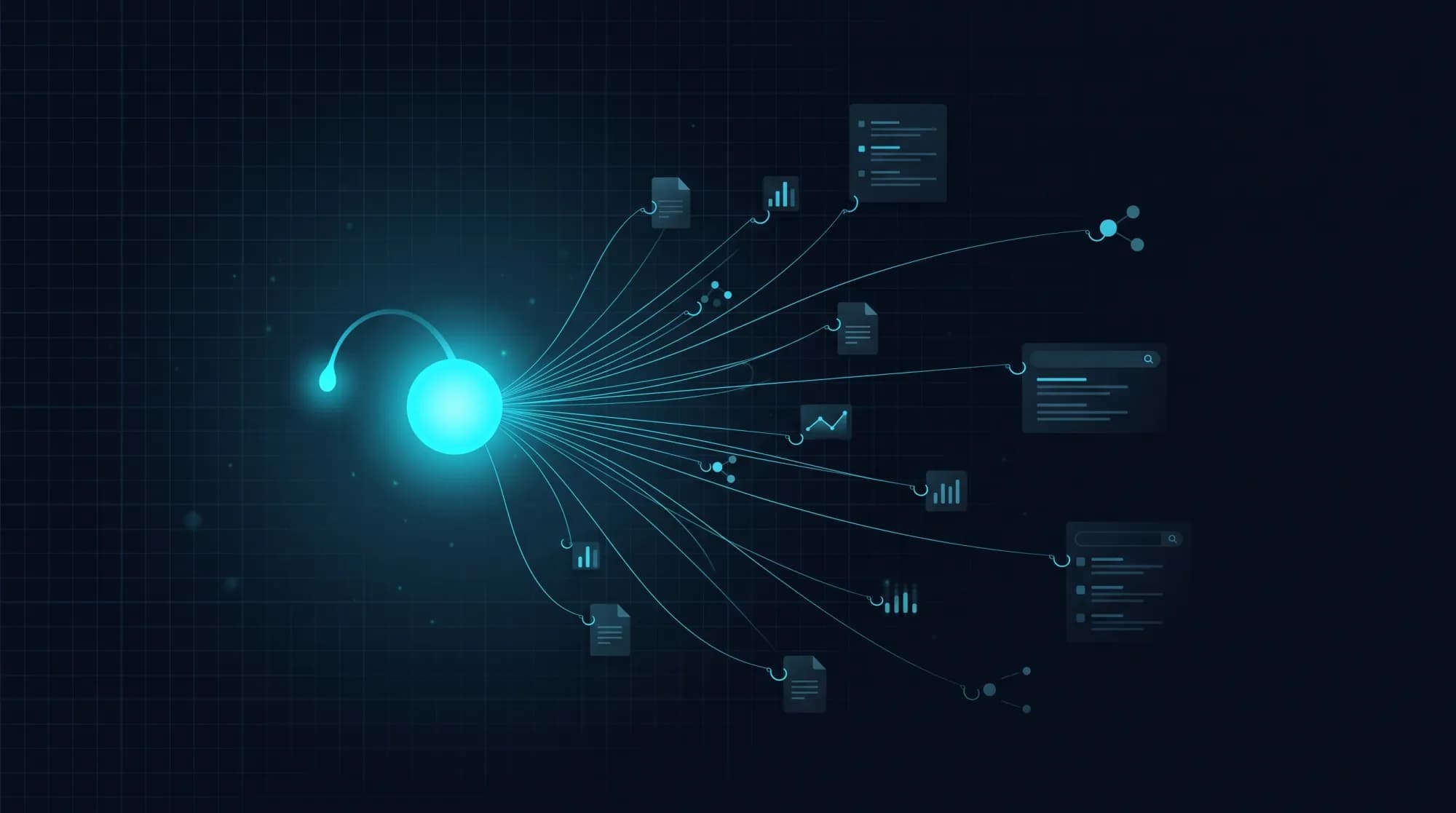
The name comes from the anglerfish, which dangles a glowing lure to draw prey up from the deep — Angler takes a query and reels clean content back from across the web, including the hard-to-reach pages.
What it does
Everything through one gateway:
- Search & scrape — search across sources, then extract clean content; pages behind Cloudflare are bypassed automatically, and empty pages (paywall/login) are clearly flagged.
- Crawl & map — crawl a whole website by depth and sitemap, running in the background.
- Bias-resistant research — gather sources across types, languages and sides.
- Extras — turn videos into transcripts, monitor pages for changes on a schedule, and extract structured data with an LLM (local or cloud).
Angler speaks "Firecrawl": any agent already using the Firecrawl SDK just points at your machine and runs — no code changes.
Resisting bias on purpose
Instead of letting a ranking algorithm decide what you read, /research actively diversifies sources along several axes at once: many source types (news, academic, reference, official, community), multiple languages, enforced inclusion of opposing sides, and a per-domain cap so no single source dominates.
Results come with stats by type and by domain, so you can see how diverse the source set actually is — the full picture instead of just the "top SEO" few.
Sovereignty & privacy — local or cloud is your call
Angler runs locally: no API key, no rate limits, and most importantly your research queries never leave your machine — the opposite of sending every question to a third-party cloud service.
When you need to, you can choose to push some work to the cloud (a stronger model, so a modest machine still works) or mask your IP through a VPN/proxy — chosen per request. Each option has its own trade-offs, and Angler always states the limits plainly.
Open source, free
Angler is MIT-licensed. Download the source, stand it up with Docker on your own infrastructure, modify it and use it for anything — no license fees and no vendor lock-in. Open source is its own kind of transparency: you can read every line.
Get it and read the docs at github.com/tetravn/angler-crawl. It's a local, single-user tool — quick to start with, and entirely yours.
Frequently asked questions
What is Angler?
Angler is a free, MIT open-source search + crawl + research gateway that runs locally on your machine: send a query or URL, get clean markdown — multi-source, bias-resistant, Firecrawl-compatible. A self-hosted Firecrawl alternative for research and AI agents.
Is Angler a Firecrawl alternative?
Yes. Angler speaks the Firecrawl API — it is Firecrawl-SDK compatible. Point FIRECRAWL_API_URL at your Angler instance and existing agents/SDKs work with no code changes. The difference: self-hosted, free, local-first.
Is Angler free?
Yes. Angler is MIT open source — free to download and use for anything, no license fees, no vendor lock-in. It runs locally, so there is no API key and no rate limits.
How do I self-host Angler?
Download the source at github.com/tetravn/angler-crawl and stand it up with Docker on your own infrastructure (port 17300 by default). It runs entirely locally — your research queries never leave your machine.
How is Angler bias-resistant?
Instead of following SEO ranking, /research actively diversifies sources on several axes: many source types (news, academic, official, community), multiple languages, enforced opposing sides, and a per-domain cap — with diversity stats returned.
What is Angler used for?
Market and competitor research, information gathering and synthesis with citations, and feeding clean web data (markdown) to AI agents / RAG.
How do I use Angler with an AI agent (Claude Code, Cursor…)?
Angler is web access for AI agents: it gives a coding agent the ability to search and read the web as clean markdown. Because it is Firecrawl-compatible, agents call Angler through the Firecrawl MCP server or the Firecrawl SDK — just point FIRECRAWL_API_URL / the base URL at Angler. Works with Claude Code, Cursor, Codex CLI, Gemini CLI, Cline, OpenHands, Goose, Aider, Windsurf… and any MCP client, or frameworks like LangChain/LangGraph, CrewAI, LlamaIndex, Mastra and the Vercel AI SDK.
Does Angler support MCP (Model Context Protocol)?
Yes — via the Firecrawl path. Angler is a Firecrawl-compatible REST API (it does not speak MCP itself); you point the Firecrawl MCP server at your Angler instance, and an MCP-client agent (Claude Code, Cursor…) then discovers and calls search, scrape, crawl and deep-research as tools. Angler + the Firecrawl MCP server = a self-hosted web-search / web-scraping MCP server, running locally.
Related articles
Want Angler?
Download the source and stand it up with Docker on your own infrastructure — free and MIT open source.