WebMCP: letting AI assistants call tools directly on tetra.vn
 Phạm Hải Anh · AI engineer··3 min read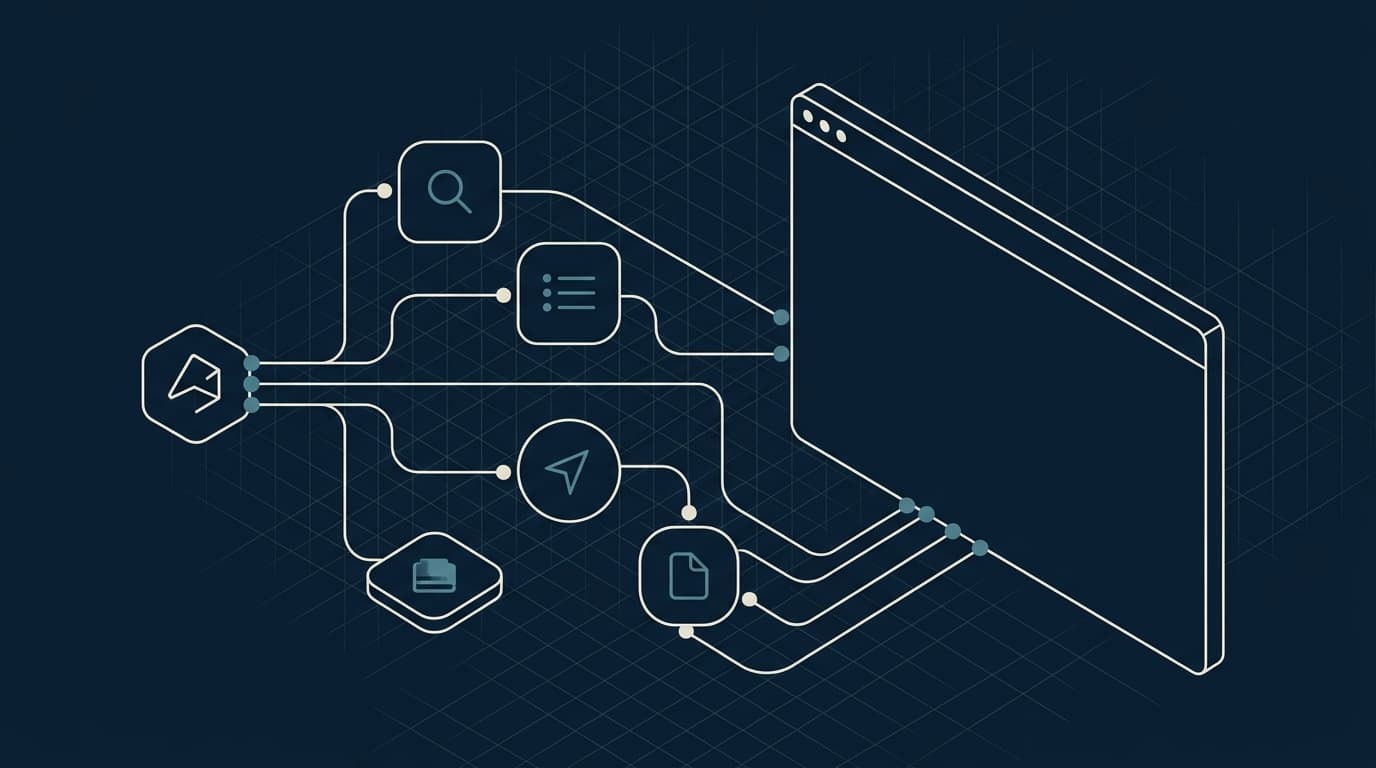
AI assistants are learning to act on the web for you: booking, looking things up, filling forms. Until now they do it by taking a screenshot and guessing the page structure, which is slow and error prone. WebMCP is a new web standard that lets a website declare its own functions as tools an agent can call directly. tetra.vn now supports WebMCP, one of the first websites in Vietnam to do so.
What WebMCP is
WebMCP (Web Model Context Protocol) is a proposal from the W3C Web Machine Learning group. The core idea is simple: instead of letting an agent guess which button to click, the page registers tools, each with a name, a natural language description and a schema for its input and output. An agent in the browser reads that list and calls tools directly in code, without looking at the interface. It is faster, less error prone, and above all explicit about what the page allows.
Technically the page calls document.modelContext.registerTool for each tool. This is a browser side API; no data goes through any intermediary server.
Why it matters
More and more of the interaction between people and a website will flow through an AI assistant. A site that describes its functions in a machine readable way is easier for an agent to understand and recommend correctly, rather than being misread or skipped. For Tetra this follows the same line as our machine readable content: a knowledge page, FAQs with structured data, and a description file for language models. WebMCP is the next step, from machine readable to machine actionable.
One thing worth stating plainly: the standard is very early. Only a few experimental browser builds support the native API today, and real usage is close to zero. We enable WebMCP as a positioning and capability experiment, not as an expectation of an immediate traffic increase.
What tetra.vn exposes
Every tool at this stage is read only, with no writes and no collection of personal data. They run only when the browser supports the API, and have no effect on ordinary visitors.
- Get Tetra knowledge: returns the full information about the company, products and solutions as text for the agent to answer questions.
- List products: products with a short description, page URL and a demo or source link when available.
- Search the blog: search by keyword and return matching titles, excerpts and URLs.
- Current page: tells the agent which page the user is viewing.
- Navigate: moves the current tab to a path within tetra.vn when the user asks.
How to try it
If you use a browser with a built in agent that supports WebMCP, or install an extension following the standard, just open tetra.vn and ask the assistant about Tetra products or solutions. The agent will discover the tools and call them as needed. On browsers without support the site works exactly as before; the WebMCP part simply does not activate.
What comes next
The next step is to add write tools, for example booking a consultation right inside a conversation with the agent. Those tools will always ask you to confirm before sending, and go through the same validation and abuse protection as a normal form. We ship the read side first and open the write side only after the security work is done.
If your organisation is weighing how to bring AI into its workflows, book a consultation with Tetra or see our products.
Related articles

Google’s Open Knowledge Format (OKF): packaging knowledge for AI agents — what we learned deploying it
Google just published OKF — an open standard that turns organizational knowledge into a Markdown directory agents read directly. We took the samples apart and pulled out deployment lessons for several domains.
Read ↗
Angler: an open-source search, crawl & research gateway you self-host
Angler is a free, MIT open-source search + crawl + research gateway you self-host: web access for AI agents (Claude Code, Cursor…) over MCP or the Firecrawl SDK, turning the web into clean, bias-resistant markdown for research and AI agents.
Read ↗
Vietnamese OCR: turning document images into usable data (safely)
OCR only reads text; businesses need structured data. The difference between OCR and data extraction, why Vietnamese OCR is hard, the risk of free online OCR with sensitive data, and how to do it safely on your own server.
Read ↗Personal Data Protection checklist
Review your business before the law takes effect on 01/01/2026.