Document management software under Decree 30: what it must actually deliver
 Lê Thị Hồng Vân · Digital administration specialist··9 min read
Photo: Sebastian Herrmann / Unsplash
People shopping for document management software in Vietnam usually ask one question: which product complies with Decree 30? There is no certification label for that. Decree 30/2020/ND-CP on records work defines a mandatory chain of operations — numbering, registration, digital signing, issuance, storage of the original, filing, transfer to the agency archive — and software complies only when it performs that whole chain on the electronic record, not when it prints something that looks like the official template.
This article walks through the four core groups of requirements in Decree 30, what software must deliver to follow them, how document flows change now that the two-tier local government model started operating on 1 July 2025, and a checklist for evaluating a system before signing.

What Decree 30/2020/ND-CP on records work requires
Decree 30/2020/ND-CP was issued by the Government on 5 March 2020, took effect on the signing date, and replaced Decree 110/2004/ND-CP and Decree 09/2010/ND-CP. Its scope covers drafting and signing documents, managing documents, creating case files and transferring them to the agency archive, plus management of seals and secret-key storage devices.
The clause that matters most to software builders is Article 5: an electronic document signed digitally by the authorised person and by the agency, in accordance with the law, carries the same legal validity as an original paper document. That is the legal basis for dropping paper, not for running two parallel systems.
Article 3 defines terms a records system must keep distinct: draft, original, principal copy, certified copy, re-copy, extract copy. An electronic original is a document complete in content and format that the authorised person has digitally signed. If the software treats every attached PDF as the same object, everything downstream drifts.
Format and presentation of administrative documents
Article 8 lists nine main components of an administrative document: national title and motto; name of the issuing agency; document number and symbol; place and date of issue; document type and abstract; body; position, full name and signature of the authorised person; seal and digital signature of the agency; recipients. Optional components include appendices, secrecy and urgency markings, drafter's reference, and agency contact details.
Article 9 covers presentation technique: paper size, layout, margins, font, size, style, position of each component, page numbering. The detail sits in Appendix I; capitalisation rules in Appendix II; abbreviations of document types in Appendix III.
In software terms this should be a built-in template, not a user guideline. A correct system generates documents from templates that already encode the format, fills in the number and symbol automatically once numbering is assigned, and places the agency signature image where the appendix says it goes. Letting drafters format documents in Word and upload the result is a reliable way to produce repeat errors.
Managing outgoing and incoming documents
Article 14 sets the outgoing sequence in five steps: assign number and issue time; register the outgoing document; apply the agency digital signature for electronic documents; issue and track delivery; store the outgoing document. Article 20 sets the incoming sequence in four steps: receive; register; submit and hand over; process and follow up.
Article 15 imposes a hard technical constraint. Numbers follow chronological order within the year, starting at 01 on 1 January and closing on 31 December. The number and symbol are unique within a year and identical for the paper and electronic versions. For electronic documents, numbering and issue time must be produced by a function of the system — the counter belongs in the software, not in a clerk's memory.
Articles 16 and 22 allow registration either in a paper register or in the system. When using an electronic register, the software must carry every field of the outgoing and incoming register templates in Appendix IV, and must be able to print them out. Article 22 adds a procedurally significant rule: documents not registered at the agency records unit create no processing obligation for any unit or individual. Any inbound path that bypasses the register is an invalid path.
Article 19 governs where the original lives. The electronic original must be stored on the issuing agency's system. If that system meets the requirements in Appendix VI, the electronic original replaces paper; if it does not, the records unit must still produce a paper principal copy for storage. That is the line between a system that genuinely replaces paper and one that merely supplements it.
Case files and electronic archiving
The most frequently skipped group sits in Articles 28 to 31. The agency must maintain a File Index; the person assigned to handle a task opens a file against that index, collects every document produced while handling it, and closes the file when the work is done. For electronic files, cataloguing inside the file is performed by a system function.
Article 30 sets the transfer deadlines to the agency archive: three months from the date a construction project is finalised for capital construction records, and one year from the date the work ends for all other records. Electronic files are transferred within the system; the archive checks them, links metadata to the file, and moves the file into archival management mode.
The implication is that electronic archiving is not a folder of files. It needs a File Index, a retention period attached to each file, metadata alongside it, and a handover state between the processing unit and the archive.
What the software must deliver
- Complete electronic registers. Outgoing and incoming registers matching Appendix IV, printable for reconciliation.
- Automatic numbering, unique per year. The counter is held by the system, with a separate series for classified documents, identical across paper and electronic versions.
- Standard agency identifier. To interoperate, identifier structure and packet format must follow national technical regulation QCVN 102:2016/BTTTT for connecting document management and administration systems.
- Two layers of digital signature. The authorised person and the agency sign separately per Articles 8 and 13, with certificate validity verifiable as of the signing moment.
- Electronic originals stored in the system. Not in personal mailboxes or shared drives.
- Tamper-evident audit trail. Who viewed, forwarded, signed and when, retained for the retention period of the file rather than the lifetime of a technical log.
- Interoperable exchange. The national four-tier document exchange axis operates under Decision 28/2018/QD-TTg on sending and receiving electronic documents among state administrative agencies; the software must connect to it and record delivery status and receipts.
- Filing and archive transfer. File Index, retention periods, automatic cataloguing, handover to the agency archive.
How two-tier government changes document flow
Resolution 202/2025/QH15 of 12 June 2025 restructured provincial administrative units: after the rearrangement the country has 34 provincial-level units, comprising 28 provinces and 6 cities. The resolution requires local government in the newly formed provinces and cities to begin official operation on 1 July 2025. Around the same time, the National Assembly passed the Law on Organisation of Local Government No. 72/2025/QH15 on 16 June 2025.
For records work, four things actually change.
- The directory of units has to be rebuilt. Issuing agency names, document symbols, agency identifiers and place names on documents all follow the new legal entity.
- Approval routing loses a tier. Work that used to pass through the district level now moves directly between province and commune, which raises incoming volume at commune level considerably.
- Registers get a mid-year cut. Numbering for the new entity starts at its operating date, while the old entity's register must be closed and preserved as-is for lookup.
- Open files need a new owner. Unfinished case files must be handed over with their metadata, not copied as files to another machine. We covered this in handing over digital records as the district level ends.
Where legacy systems go wrong
- Manual numbering in a spreadsheet. Duplicate and skipped numbers appear the first afternoon two people issue documents at once.
- Treating a scan as the original. A scan of a hand-signed document is a digitised copy, not an electronic original under Article 3; an electronic original requires signing the electronic record itself.
- Signing without keeping verification evidence. A signature valid today may be unverifiable in a few years if the system stores no timestamp and no certificate status as of signing. We analysed this in the article on internal digital signing under Decree 23/2025.
- Registers missing fields. Without abstract, signatory and recipients, the register cannot be reconciled against the Appendix IV template.
- No File Index. Documents sit loose, and when the transfer deadline arrives no case file can be reconstructed.
- Data outside the organisation's control. Directive and administrative documents are sensitive; placing them on a shared service outside the territory is its own compliance problem, which we discussed in on-premise or cloud for data compliance.
Checklist for evaluating document management software
During a demo, ask the vendor to perform each item live rather than describe it.
- Issue one outgoing document end to end: draft from template, route for approval, sign as the authorised person, assign the number, apply the agency signature, issue, store the original.
- Print that day's outgoing register and reconcile every field against the Appendix IV template.
- Receive an incoming document over the exchange axis and show the receipt and processing status.
- Open a case file against the File Index, add three documents, close the file and transfer it to the archive.
- Open the audit trail of the document just issued, then try to edit that trail.
- Run the scenario where a unit is renamed and see how the system handles old and new documents.
- Ask where data is stored, how it is backed up, and what happens when the contract ends.
- Ask whether all data can be exported in an open format for migration to another system.
If a vendor completes all eight in one session, the system deserves a place on the shortlist.
Conclusion
Decree 30/2020/ND-CP does not require an agency to buy software. It requires the records chain to be executed correctly, and on electronic records only software can do that. With the administrative structure freshly rearranged and document flows being rebuilt anyway, this is a sensible moment to choose a system against that chain rather than against a feature list.
Tetra eOffice follows the outgoing and incoming sequences of Decree 30, runs on your own infrastructure, and provides electronic registers, digital signing, audit trails and electronic filing. If your organisation is reorganising document flows for the two-tier model, book a consultation and we will review your current process and propose a rollout path.
Related articles

Document management software: must-have features and how to choose
How document management software differs from a shared drive and from an official-correspondence system, the five kinds of solutions on the market, a must-have feature list and the questions to ask vendors before signing.
Read ↗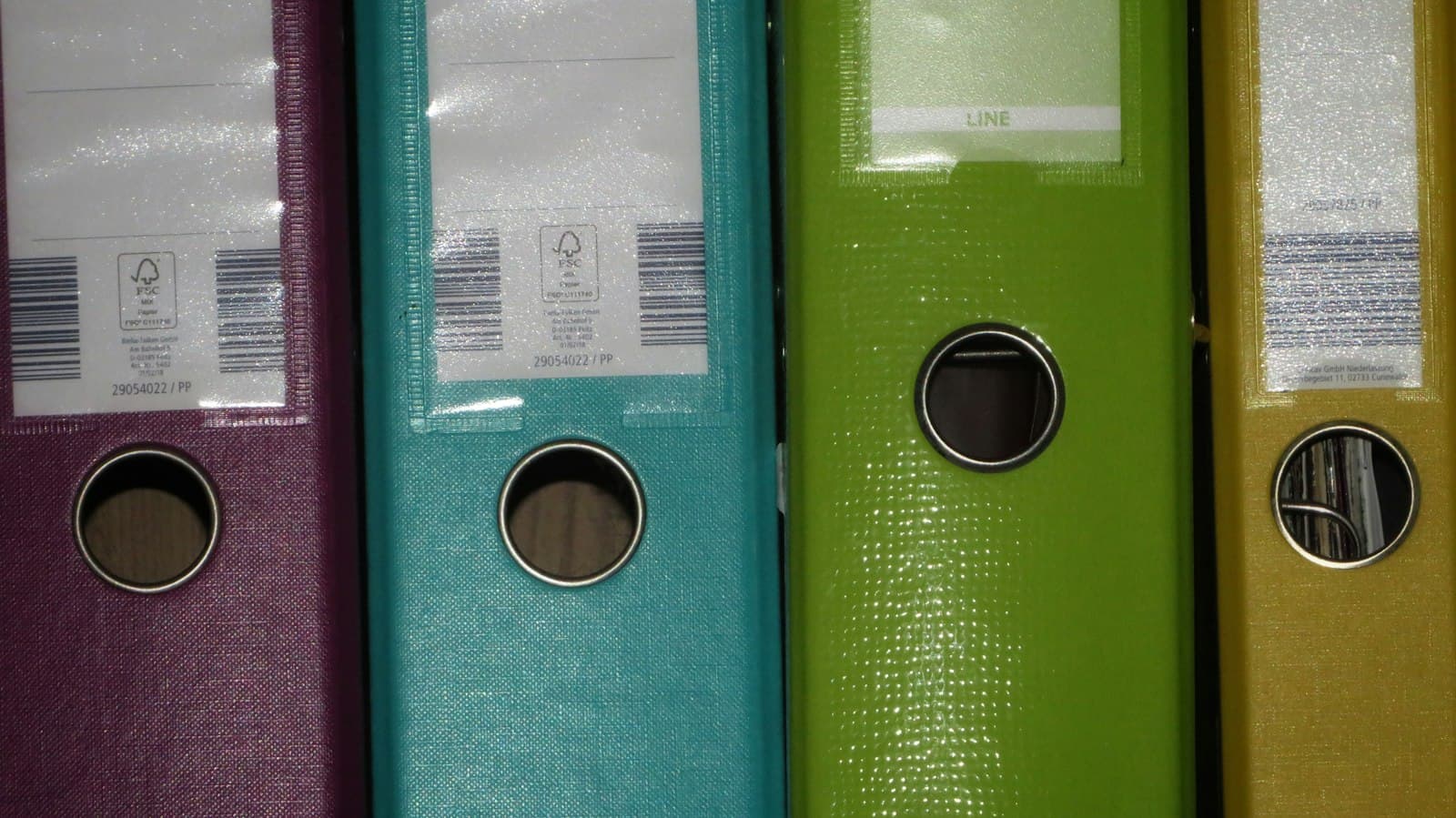
Electronic case file management: rules and required features
Electronic case files under Decree 30/2020, the 2024 Archives Law and Circular 05/2025: who must keep them, the 60-day transfer deadline for digital files, required software features and the July 2027 milestone.
Read ↗
Free warranty and repair management software: does it exist?
Three different kinds of free, a common mix-up between maintenance and repair software, the options with no licence fee, and the costs the word free does not cover.
Read ↗See Tetra eOffice handle real documents
A demo on a sample system: registration, routing, deadline tracking and digital signing.